About Sauced Up Publishing
For the reader.
For the connection.
Independent publishing rooted in music, culture, and the people who keep showing up for one another.
Our story
Stories travel.
Connection stays.
Independent publishing.
For readers inside.
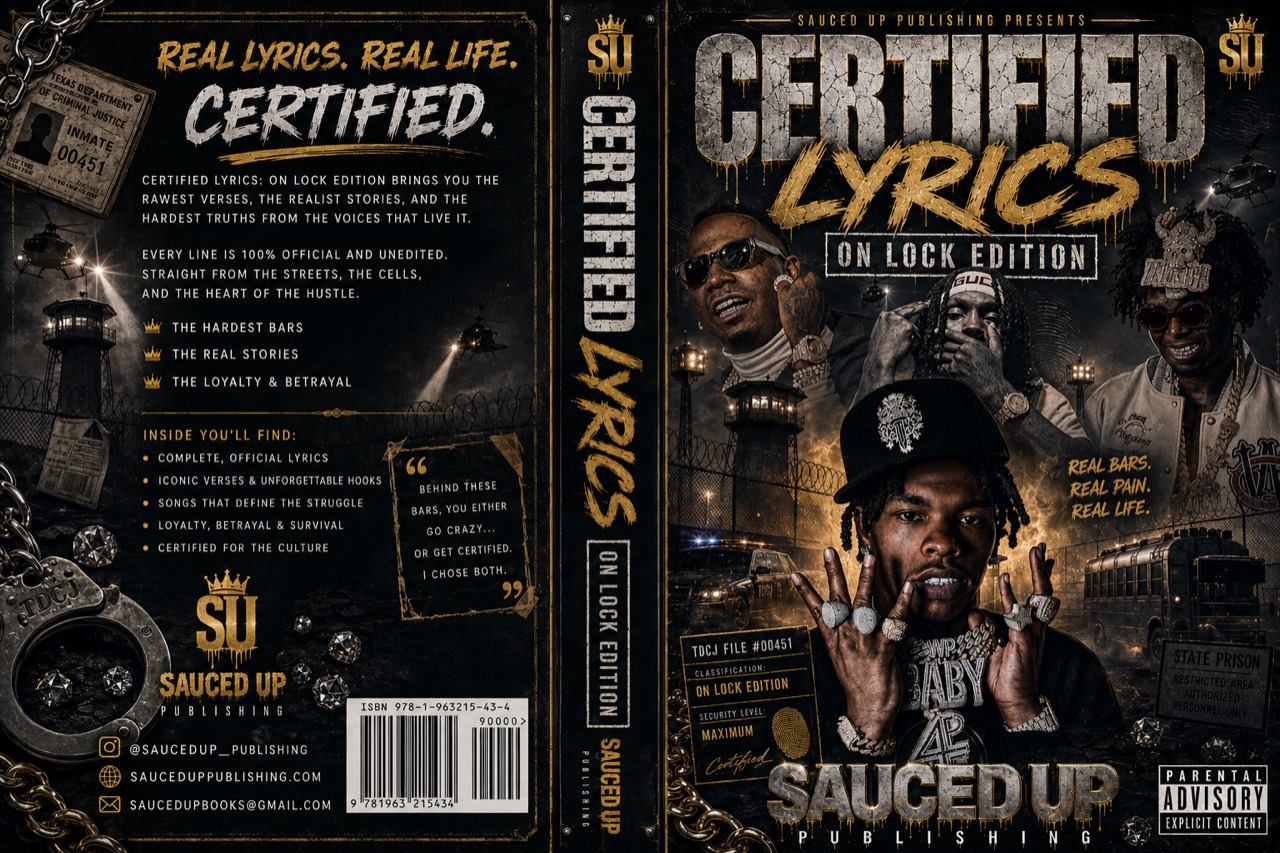
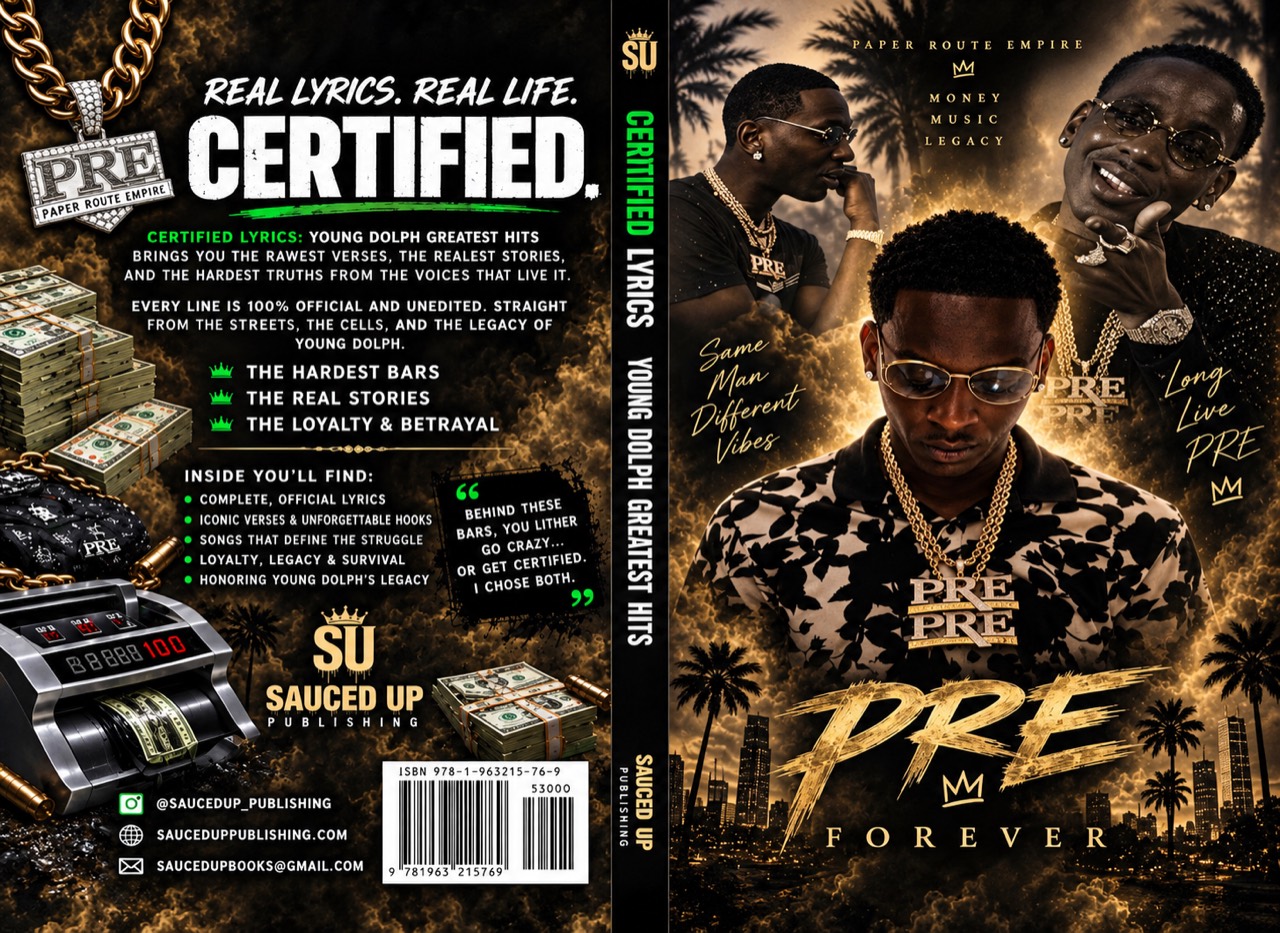
Sauced Up Publishing brings Certified Lyrics to readers inside, with On Lock available now and Young Dolph’s Greatest Hits coming soon—and with the families and friends who help put a book in someone’s hands.
Discover our first editionsThe mission
For the reader.
For the connection.
Music carries stories. Books keep them close. Sauced Up Publishing brings Certified Lyrics to the page, with incarcerated readers and their families in mind.
Made for the culture.
On Lock available now. Young Dolph coming soon.
Details that matter.
Correct recipient details for checkout, and a TDCJ / Book Number note for Cash App.
Why we publish.
Music carries stories of ambition, hardship, loyalty, and survival. Certified Lyrics brings that connection to the printed page, with incarcerated readers in mind.
Our current and upcoming editions are the beginning of that mission. For families and friends, our focus is a clear path from choosing a book to checking the details that help it reach the right reader.
We believe trust starts with clear information: the edition you choose, its price, the recipient’s current facility, and honest updates about ordering availability.